// Overview
Serwus3D is a 3D modelling app for the iPad, built for the kind of modelling a technical artist does all day: game-ready props, modular kits and parts for 3D printing. Not sculpting and not CAD - clean polygons, edge loops and UVs, made with a Pencil in one hand.
It is free to download and model in without limits; saving and exporting are a one-time purchase. No account, no subscription, no data collected - the models stay on the iPad.
My own product, designed and built solo under the Serwus Studio label, from a web prototype to a native iPad app.
// Key features
// Apple Pencil
Made for the Pencil
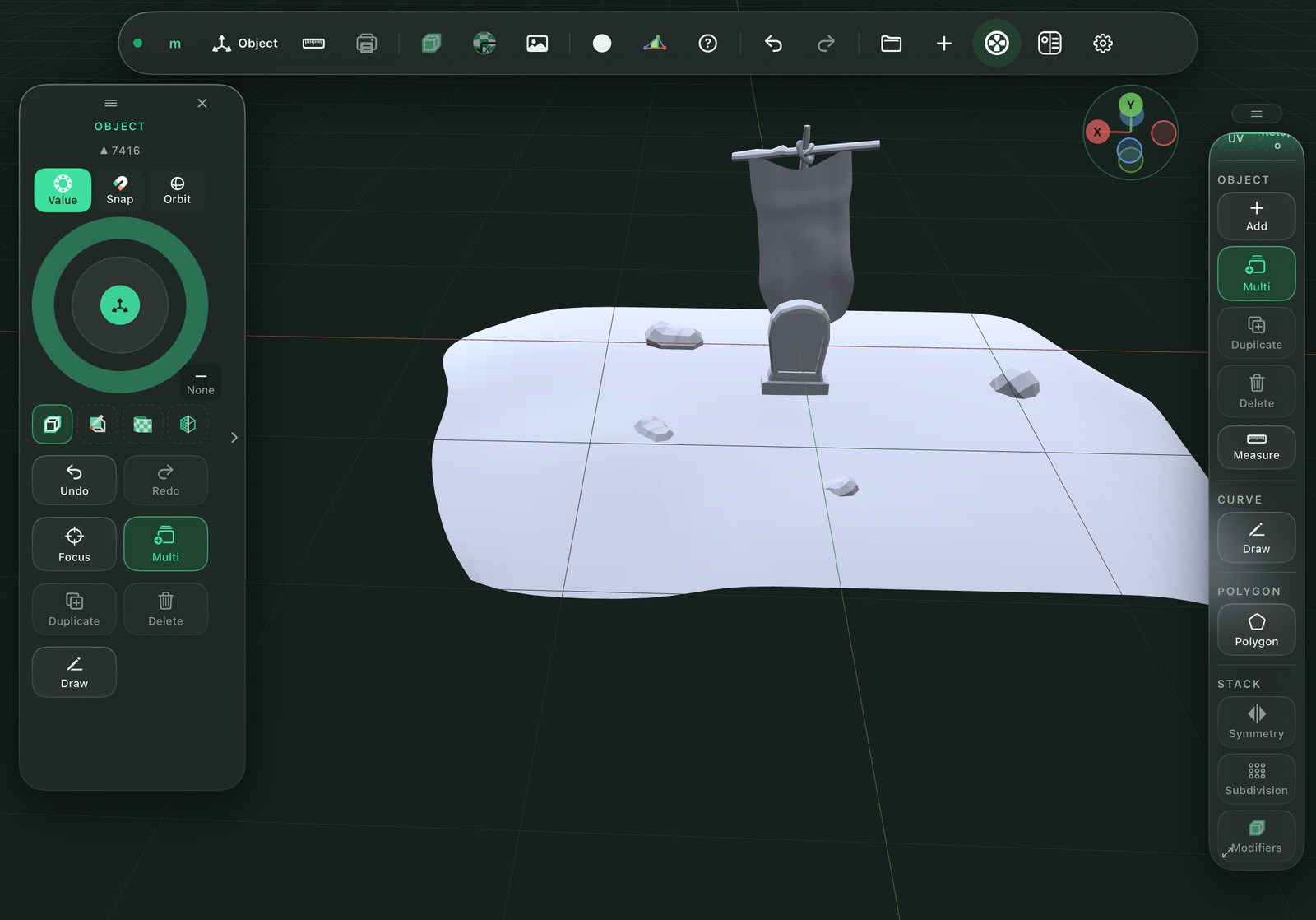
Tap, lasso and brush selection with pressure, hover preview before you touch, a pad and a ring under one thumb. Fingers move the camera, the Pencil edits - and a finger, mouse or trackpad works too.
// Model
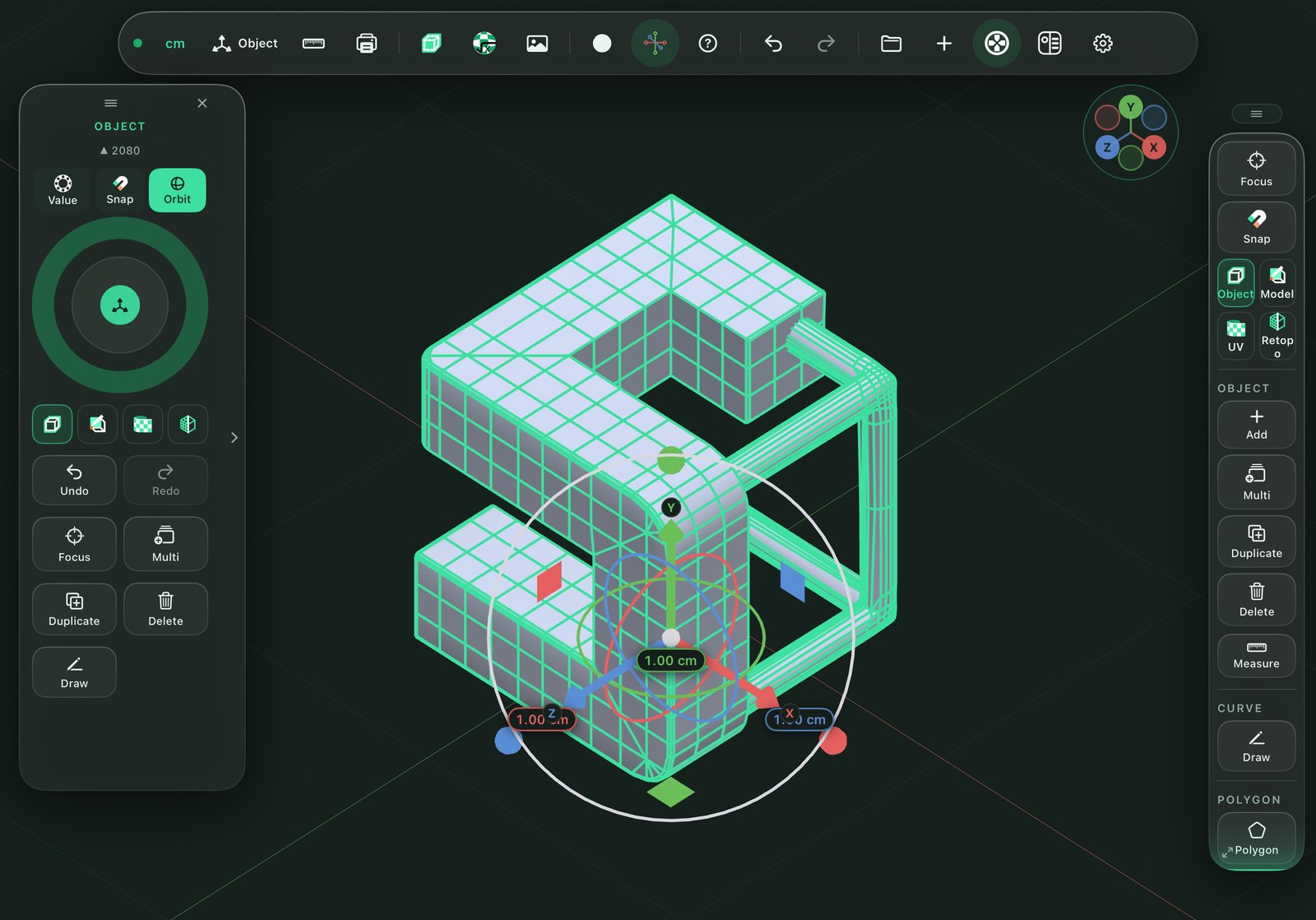
Hard-surface tools
Extrude, inset, bevel, loop and multi-cut, weld and dissolve as tools you drag, not dialogs you fill in. Ngons, soft selection, snapping to grid and geometry.
// Modifiers
Non-destructive stack
Mirror, subdivision with sharp edges, thickness and array - live, reorderable, applied one at a time when you are ready. Booleans get their own panel with a live preview computed in the background.
// Curves
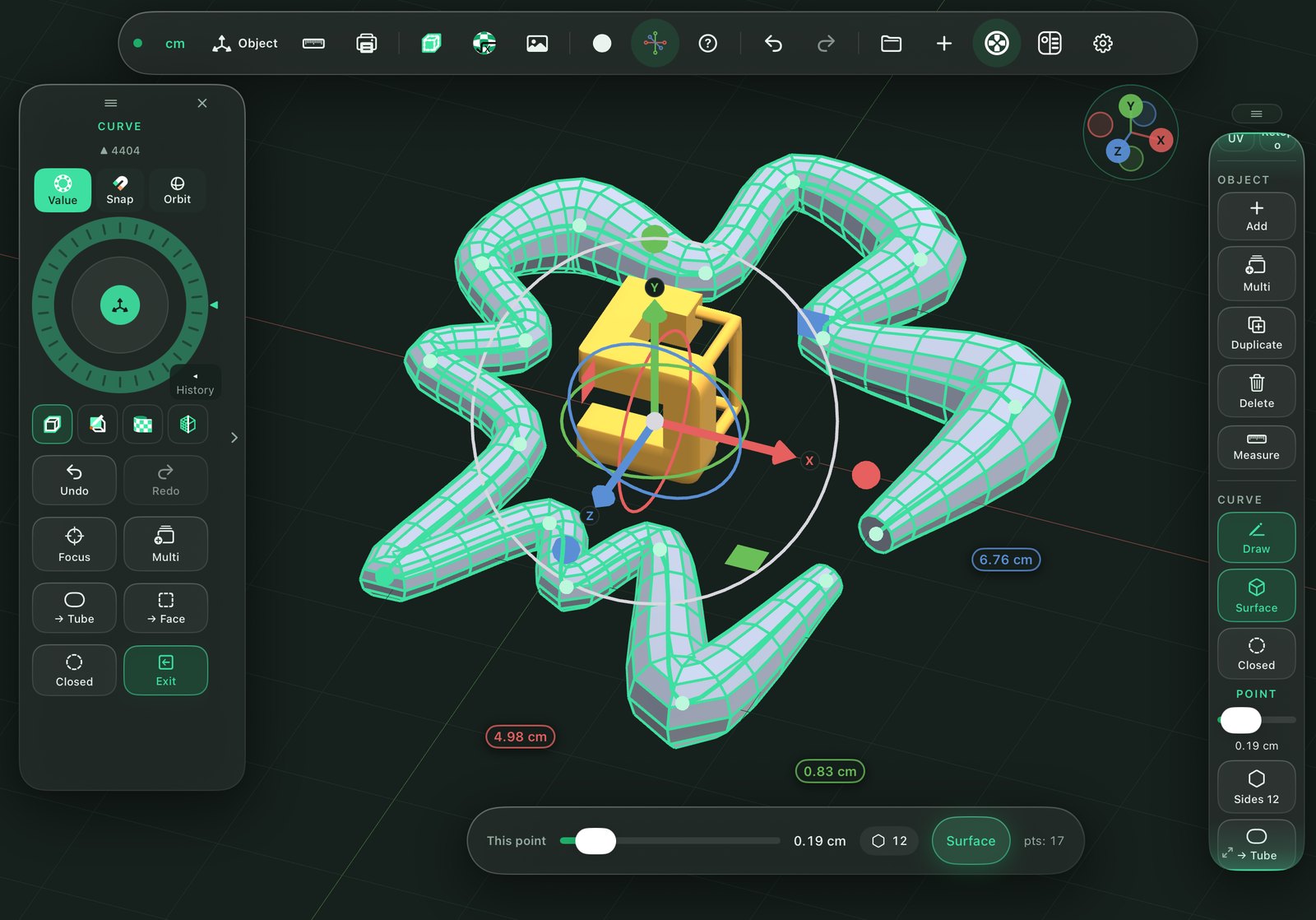
Draw, then build
Curves drawn on the ground, a wall or the model itself become tubes, lathed solids or faces - the fastest way from a sketch to a shape.
// UV
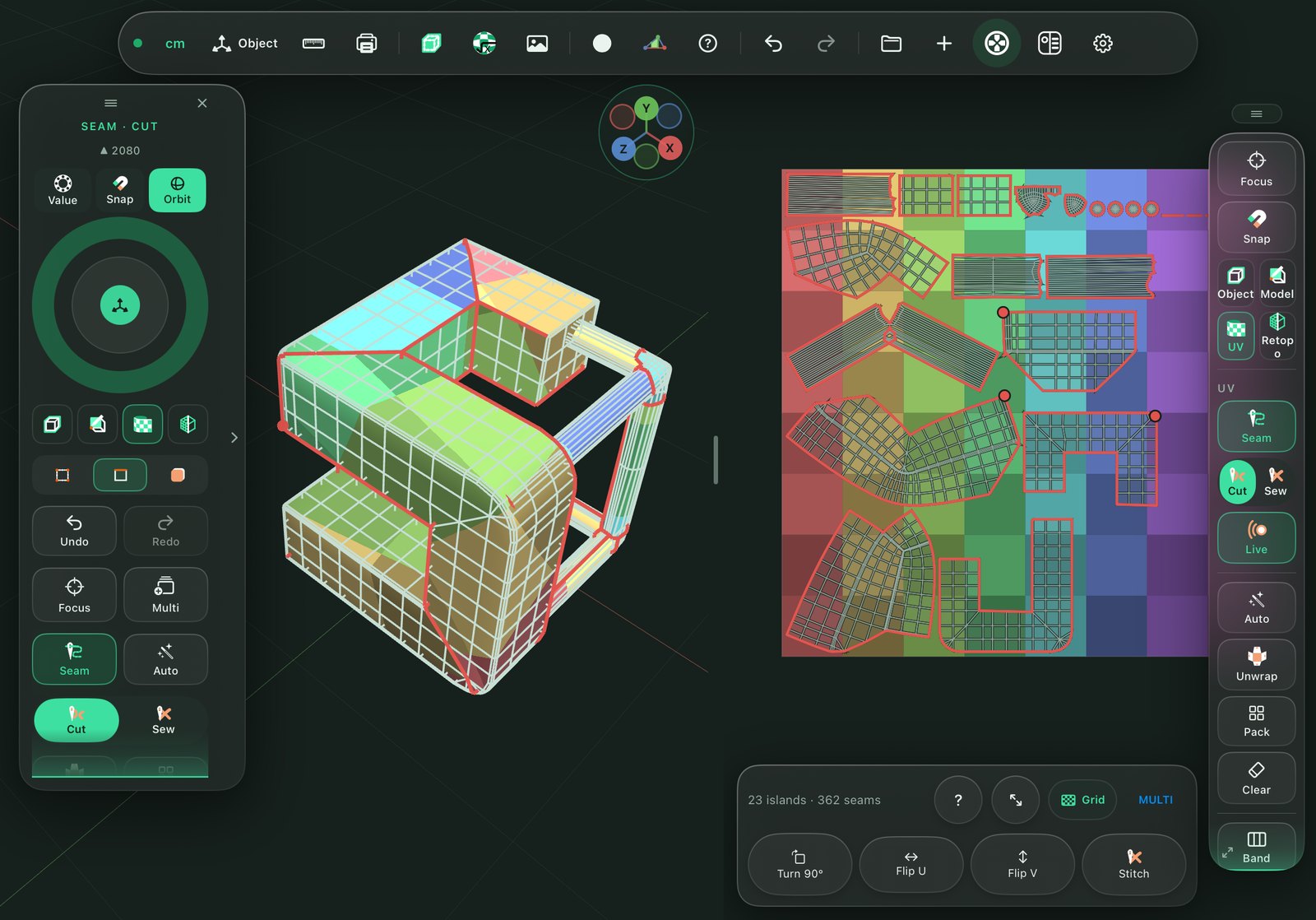
UVs you can actually do on a tablet
Cut seams with a stroke on the model or in the UV editor, unwrap live as you cut, check stretching on a colour grid, pack islands.
// Retopo
Retopology
Draw, tap and relax a clean quad mesh over a dense scan or sculpt, with the result snapped to its surface.
// Materials
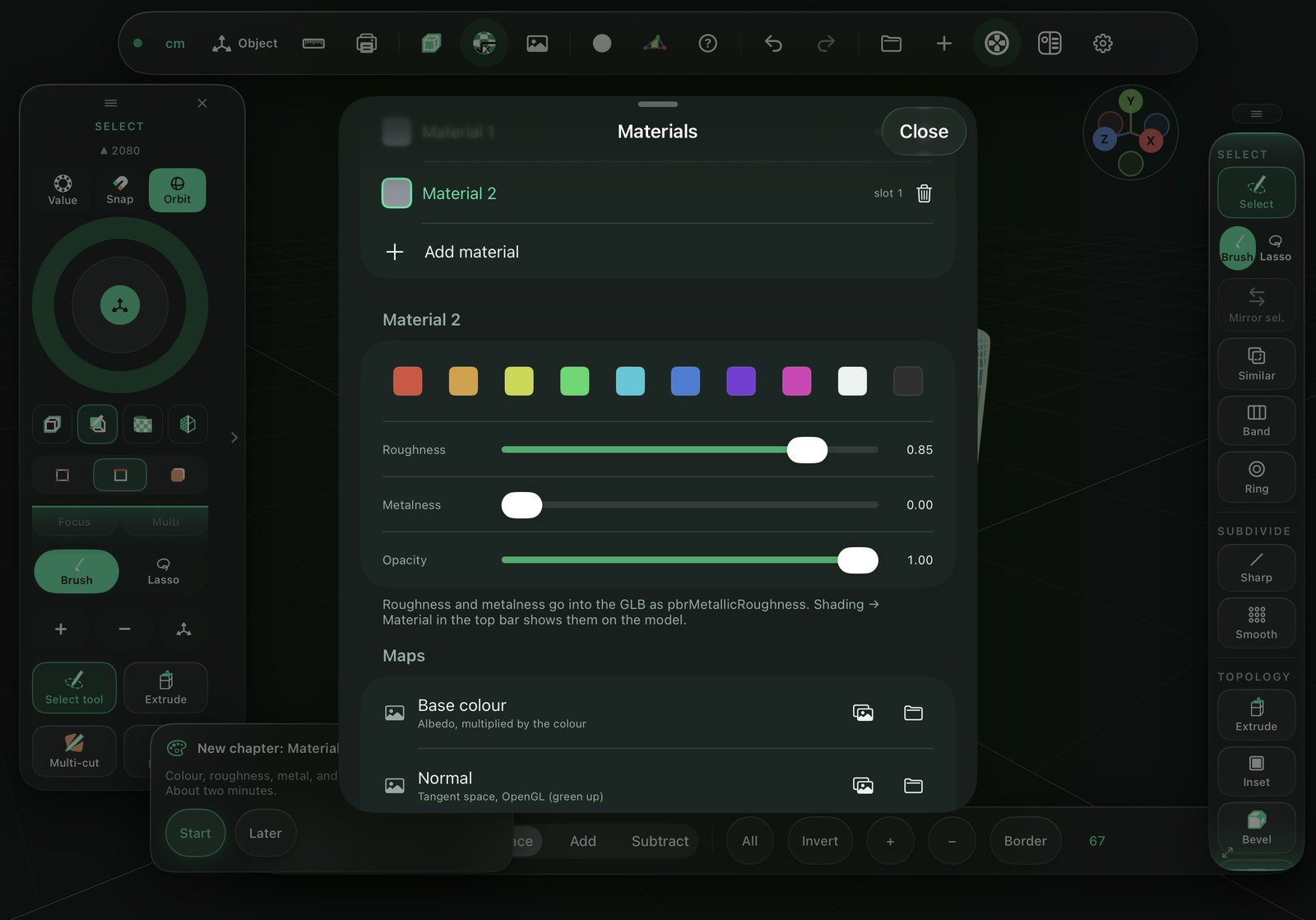
PBR materials
A scene material library with albedo, normal, ORM and emission maps, a PBR material view and textures carried into FBX, GLB, OBJ and USDZ.
// Export
Engine- and print-ready
Check for print finds holes and thin walls. One tap exports for Unity, Unreal or a 3D printer: FBX for engines and animation, STL in millimetres, GLB in metres, OBJ with materials, USDZ for AR.
// Gallery
// My role
- Product and UX - an interface for one hand and a Pencil: every tool reachable with the thumb, a tutorial built like game levels, tested run after run on a real iPad.
- Geometry engine - ported from my own web prototype to Swift, algorithm by algorithm, each one checked against golden files the prototype produced. Over 700 automated tests.
- Renderer - Metal: PBR shading, edit-mode overlays, UV grid, turntable rendering, all at the iPad's refresh rate.
- Pipeline - built, signed and shipped to TestFlight entirely from Windows, with cloud Mac runners - no Mac on the desk.
- Icons and brand - the app icon and tool icons drawn by hand, in up to three colour roles.
// Specs
DEVICE
iPad · iPadOS 17+
INPUT
Pencil · touch · mouse · trackpad
OPEN
.serwus · FBX · STL · OBJ · GLB · glTF
EXPORT
FBX · GLB · OBJ + MTL · STL · USDZ · MP4
PRICE
Free to try · one-time unlock
PRIVACY
// Tech Stack
SwiftSwiftUI
MetalUIKit touch
StoreKit 2glTF / GLB
GitHub ActionsTestFlight